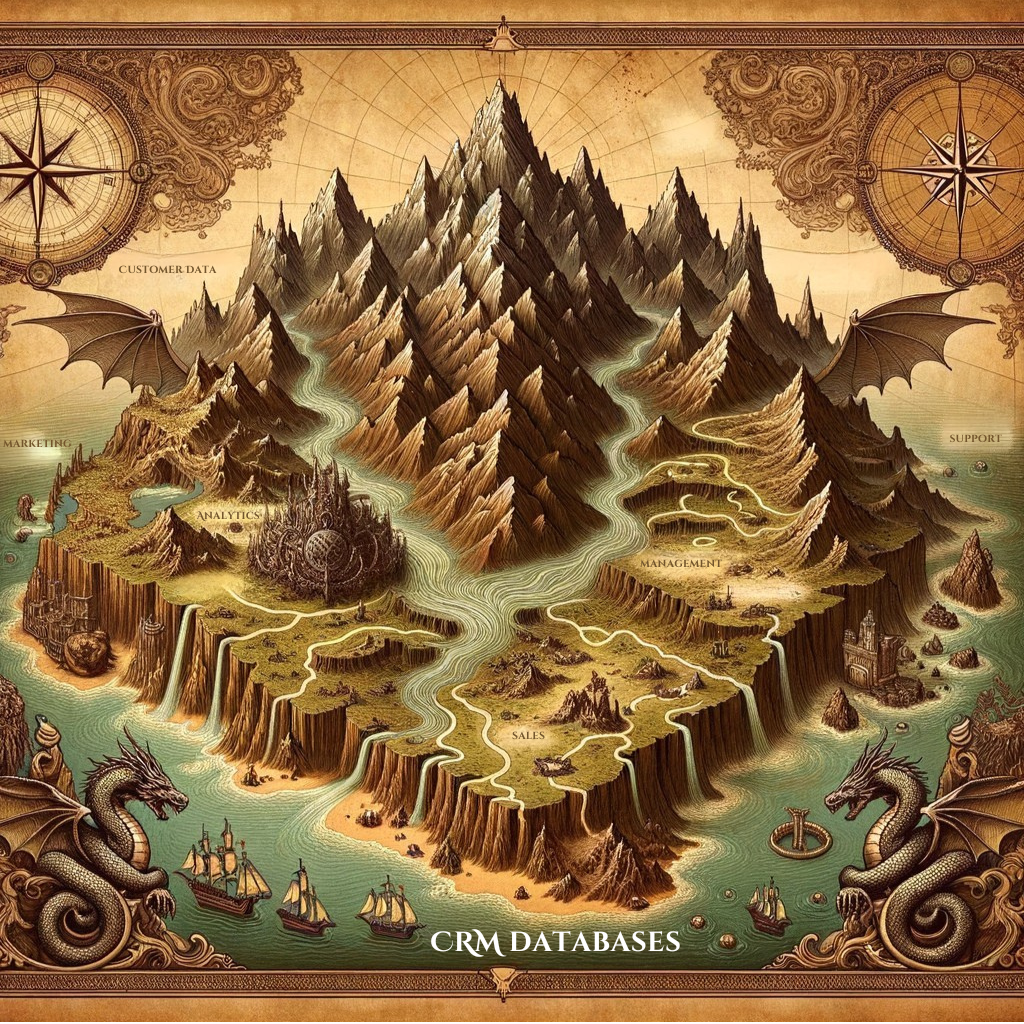


Why CRM Databases Are the Backbone of Customer Management
In this article, we’ll explore CRM databases’ meaning, how they function, and the immense benefits they offer for managing relationships and improving business performance. Whether new to CRM or looking to optimize your current setup, understanding CRM databases is critical to achieving your goals.
What is a CRM Database? Defining the Foundation of Customer Data Management
At its core, a CRM database is a centralized repository where all customer-related information is stored. This includes contact details, purchase history, communication logs, and preferences. By consolidating this data, a CRM database provides a unified view of customers, enabling businesses to understand and serve them better.
Key Features of a CRM Database
- Contact Management: Organizes customer and prospect information in one place for easy access.
- Interaction Tracking: Logs all touchpoints, from emails to phone calls, creating a detailed communication history.
- Segmentation: Categorizes customers based on attributes like demographics, behavior, or purchasing habits.
- Data Analysis: Offers insights into customer trends and preferences, supporting informed decision-making.
CRM databases are more than digital filing systems—they are dynamic tools that help businesses identify opportunities, solve problems, and enhance customer relationships.
Why CRM Databases Matter
Without a CRM database, managing customer information becomes fragmented and inefficient. Teams often struggle to collaborate or provide personalized experiences, leading to lost opportunities and customer dissatisfaction. A well-organized CRM database ensures data consistency and accessibility across all departments, from sales to customer service.
How CRM Databases Work – Behind the Scenes of Seamless Data Management
CRM databases collect, organize, and analyze customer data through automated processes. They serve as the backbone of CRM systems, ensuring that every piece of information is accurate, up-to-date, and actionable.
How Data is Collected
CRM databases integrate with various platforms to capture data from multiple touchpoints, such as:
- Websites: Track user activity and form submissions.
- Social Media: Monitor interactions and feedback.
- Email Campaigns: Record responses and engagement metrics.
- Customer Support Systems: Log inquiries, complaints, and resolutions.
How Data is Organized
Once collected, the data is structured into categories and fields, making it easy to retrieve and analyze. For example, a customer’s record may include the following:
- Contact details (name, email, phone number)
- Purchase history (items bought, frequency, value)
- Engagement records (emails opened, calls made, support tickets)
Integration with Other Tools
Modern CRM databases are designed to work seamlessly with external platforms, such as marketing automation tools, e-commerce systems, and analytics software. This ensures that data flows freely between systems, eliminating silos and improving operational efficiency.
Explore More: For a deeper look at integration challenges and solutions, see our article, “Top CRM Integration Challenges and How to Solve Them.”
Benefits of Using CRM Databases – Why They’re Game-Changers
1. Enhanced Customer Insights
A CRM database enables businesses to gain a 360-degree view of their customers. Companies can predict future needs by analyzing buying patterns and feedback and offer tailored solutions.
2. Improved Customer Experience
With centralized data, teams can provide personalized services, recommend products, or resolve issues. This attention to detail enhances customer satisfaction and loyalty.
3. Streamlined Operations
CRM databases automate repetitive tasks like data entry and reporting, freeing up employees to focus on strategic initiatives. Additionally, having all data in one place reduces errors and redundancies.
4. Data-Driven Decision-Making
By leveraging CRM database analytics, businesses can identify trends, optimize marketing campaigns, and make informed decisions that drive growth.
5. Scalability
As businesses grow, so do their customer data needs. A well-designed CRM database can scale to accommodate increasing data volumes without compromising performance.
Real-World Applications of CRM Databases
CRM databases are widely used across industries to improve customer interactions and boost efficiency.
Retail and E-Commerce
Retailers use CRM databases to track purchase histories and recommend products based on customer preferences. For example, a clothing store might analyze seasonal buying patterns to tailor promotions. HubSpot is a well-known CRM that helps retail and e-commerce manage customer relationships.
Healthcare
CRM databases help providers manage patient records, track appointments, and follow up on healthcare plans. This ensures better communication and improved patient outcomes.
Finance
Financial institutions rely on CRM databases to monitor client portfolios, track interactions, and identify opportunities for cross-selling or upselling services.
Businesses can maximize their impact and deliver superior results by adapting CRM database strategies to specific industry needs.
The Power of CRM Databases in Business Success
A CRM database isn’t just a storage system; it’s the lifeblood of customer relationship management. By consolidating and analyzing customer data, businesses can improve operations, enhance customer experiences, and make data-driven decisions that fuel growth.
Understanding CRM databases is essential to start your CRM journey or refine your existing strategy. For more insights into CRM systems and their work, visit our article, “What is CRM and How Does it Work?” Or dive deeper into CRM databases and read “The Technical Architecture of a CRM: Databases, Hosting, and UI.”