

Unpacking the Technical Framework of a CRM System
A robust technical architecture lies behind every effective Customer Relationship Management (CRM) system. This framework supports the seamless operation of CRM tools, enabling businesses to manage relationships, analyze data, and optimize processes.
At the heart of CRM architecture are three core components: databases, hosting options, and the user interface (UI). Together, these elements ensure that customer data is stored securely, accessed efficiently, and presented in a user-friendly manner.
In this article, we’ll dive into the technical details of CRM architecture, including how CRM databases are structured, the pros and cons of hosting options, the database-to-UI connection, and popular database providers. Whether you’re a business owner or a tech enthusiast, understanding these components is crucial for optimizing your CRM system.
CRM Database Structure – How Data is Stored and Organized
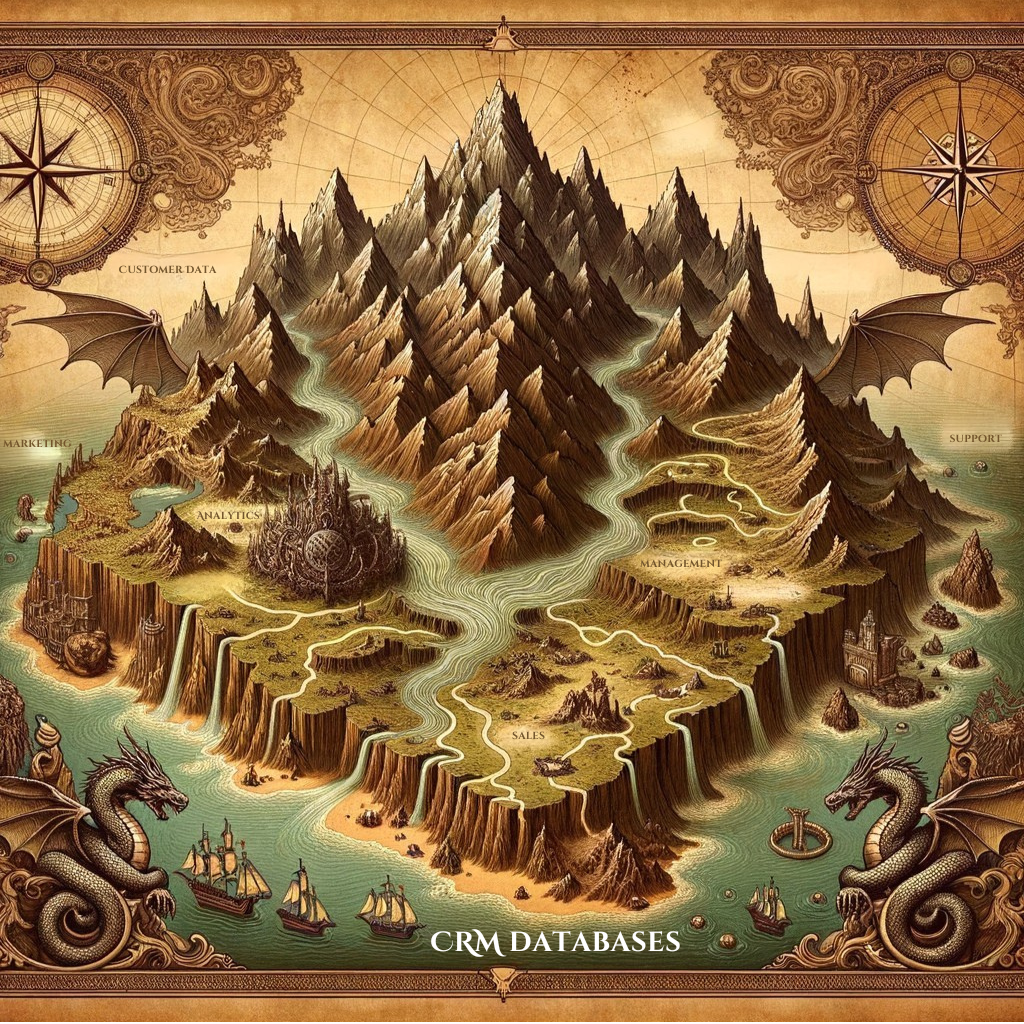
The CRM database serves as the foundation for storing and managing customer data. It is designed to organize vast amounts of information, making it accessible and actionable for sales, marketing, and support teams.
Relational vs. Non-Relational Databases
CRM systems typically use either relational databases (SQL-based) or non-relational databases (NoSQL-based):
- Relational Databases: These use structured tables to store data, making them ideal for businesses with well-defined datasets. Examples include MySQL and PostgreSQL.
- Non-Relational Databases: These store data in flexible formats like documents or key-value pairs, making them suitable for unstructured or rapidly changing data. Examples include MongoDB and Cassandra.
Core Elements of a CRM Database
- Customer Profiles: Includes personal details, purchase history, and preferences.
- Interaction History: Logs of communications across email, phone, and social media.
- Sales Pipelines: Tracks opportunities, leads, and deal stages.
- Automation Triggers: Configured actions based on specific customer behaviors (e.g., sending a welcome email after signup).
Common CRM Database Structures
CRM databases often rely on normalized data structures to reduce redundancy. For instance:
- SQL-Based Structures: Use primary and foreign keys to link customer profiles with interaction logs.
- NoSQL-Based Structures: Store all related data in a single document for faster retrieval.
By understanding how CRM databases are built, businesses can choose a structure that aligns with their operational needs.
Hosting Options for CRM Systems
Where and how CRM databases are hosted can significantly impact their performance, scalability, and security. Businesses typically choose between cloud-based hosting, on-premise hosting, or a hybrid model.
Cloud-Based Hosting
- Advantages: It is scalable, cost-effective, and accessible from anywhere. It is ideal for small and medium-sized businesses with limited IT resources.
- Disadvantages: Reliance on third-party providers can raise concerns about data privacy and security.
On-Premise Hosting
- Advantages: Greater control over data and security. Suitable for industries with strict compliance requirements.
- Disadvantages: Higher upfront costs for hardware and maintenance. Limited scalability compared to cloud options.
Hybrid Hosting
A middle-ground solution that combines on-premise infrastructure with cloud-based scalability. This option allows businesses to keep sensitive data on-site while leveraging the cloud for analytics and backups.
Related Reading: Learn more about how hosting impacts CRM performance in our article, “Top CRM Integration Challenges and How to Solve Them.”
How CRM Databases Connect to the User Interface (UI)
The user interface (UI) is how teams interact with CRM data, making it a critical component of the system’s overall usability. The CRM database and UI connection must be seamless to ensure real-time data access and smooth operations.
The Database-to-UI Connection
CRM systems use APIs (Application Programming Interfaces) or middleware to connect databases with their front-end interfaces. These connections enable:
- Data Retrieval: Pulling customer information into dashboards and reports.
- Real-Time Updates: Synchronizing changes made in the UI with the database.
- Automation Triggers: Executing workflows based on user inputs or database changes.
Importance of UI Design in CRM
An intuitive and well-designed UI ensures teams can easily access and interpret customer data. Key features of effective CRM UIs include:
- Customizable Dashboards: Tailored views for different roles, such as sales or support.
- Search and Filters: Quick access to specific customer records or segments.
- Integration with Other Tools: Smooth interactions with email platforms, calendars, and analytics software.
Examples of Strong UI/Database Integration
- Salesforce: Offers a customizable UI with powerful real-time database syncing.
- HubSpot: Combines an intuitive interface with robust database management for small businesses.
Top Database Providers for CRM Systems
Choosing the right database provider is essential for optimizing CRM performance. Here are some of the most popular options:
- MySQL: A widely used open-source database known for its reliability and scalability.
- PostgreSQL: Offers advanced features like data replication and indexing, making it ideal for large datasets.
- MongoDB: A NoSQL database that excels in handling unstructured data.
- Microsoft SQL Server: Combines enterprise-grade performance with compatibility for various applications.
Factors to Consider When Choosing a Database Provider
- Scalability: Can the database handle growing volumes of data?
- Compatibility: Does it integrate with your existing CRM platform and tools?
- Cost: Are licensing fees or hosting expenses within your budget?
The choice of database provider can significantly impact your CRM system’s speed, security, and overall efficiency.
Best Practices for CRM Technical Architecture: Building a Secure and Reliable System
A well-designed CRM technical architecture optimizes performance, safeguards critical customer data, and ensures operational continuity. By following best practices, businesses can create CRM systems that are secure, efficient, and adaptable to future needs. Below, we’ll expand on key practices to help ensure your CRM architecture remains robust and dependable.
1. Implement Data Backup and Recovery Solutions: Preparing for the Unexpected
Data loss can have catastrophic consequences for businesses, particularly concerning sensitive customer information. Regular data backups protect CRM systems from hardware failures, cyberattacks, or accidental deletions.
Key Practices for Backup and Recovery:
- Schedule Automatic Backups: Set up automated backups to ensure data is saved regularly without manual intervention.
- Store Backups in Multiple Locations: Use both on-premise and cloud-based storage to reduce the risk of losing all data during a localized incident.
- Test Recovery Processes: Periodically simulate data recovery scenarios to ensure your backups are reliable and restoration processes are efficient.
Example in Action:
A retail company using a cloud-based CRM like Salesforce configures nightly backups to a secure cloud storage service. Quarterly recovery tests confirm that all customer transaction data can be restored within hours, minimizing downtime in case of an issue.
2. Prioritize Security Measures: Protecting Customer Information
CRM systems house sensitive customer data, so ensuring robust security measures is non-negotiable. A breach can harm your business’s reputation and result in legal and financial penalties.
Key Security Practices:
- Data Encryption: Encrypt data at rest (stored in databases) and data in transit (shared between systems) to prevent unauthorized access.
- Access Control Policies: Limit system access based on user roles. For example, sales teams may only view customer profiles, while IT administrators have broader access to configure the system.
- Regular Security Audits: Conduct audits to identify vulnerabilities and ensure compliance with data protection regulations like GDPR or CCPA.
- Two-Factor Authentication (2FA): Implement 2FA for CRM login credentials to add an extra layer of security.
Example in Action:
A financial services firm using Microsoft Dynamics 365 encrypts all customer data and requires multi-factor authentication for access. Additionally, they perform monthly vulnerability assessments to stay ahead of potential threats.
3. Monitor and Optimize Performance: Ensuring Efficiency at Scale
Over time, as businesses grow and datasets expand, CRM systems can experience performance issues. Regular monitoring and optimization ensure the system remains fast, efficient, and scalable.
Key Performance Practices:
- Use Monitoring Tools: SolarWinds Database Performance Monitor or built-in CRM analytics can track system performance and identify bottlenecks.
- Optimize Database Queries: Review and streamline database queries regularly to reduce load times. Indexing key fields can improve search performance.
- Implement Load Balancing: Distribute traffic across multiple servers to maintain speed during peak usage.
- Archive Old Data: Move outdated records to a separate archive database to reduce the load on the primary CRM system.
Example in Action:
An e-commerce company using Zoho CRM monitors system performance daily. They identify and optimize slow database queries and archive inactive customer records every six months, ensuring the CRM operates smoothly even during high-traffic sales events.
Understanding CRM Architecture for Long-Term Success
By implementing these best practices, businesses can build a CRM system that is not only secure and reliable but also capable of adapting to evolving demands. Regular backups protect valuable data, robust security measures safeguard customer trust, and performance monitoring ensures the system can scale alongside business growth.
To dive deeper into CRM databases and their role in technical architecture, explore our article, “Understanding CRM Databases: How They Work and Their Benefits.”