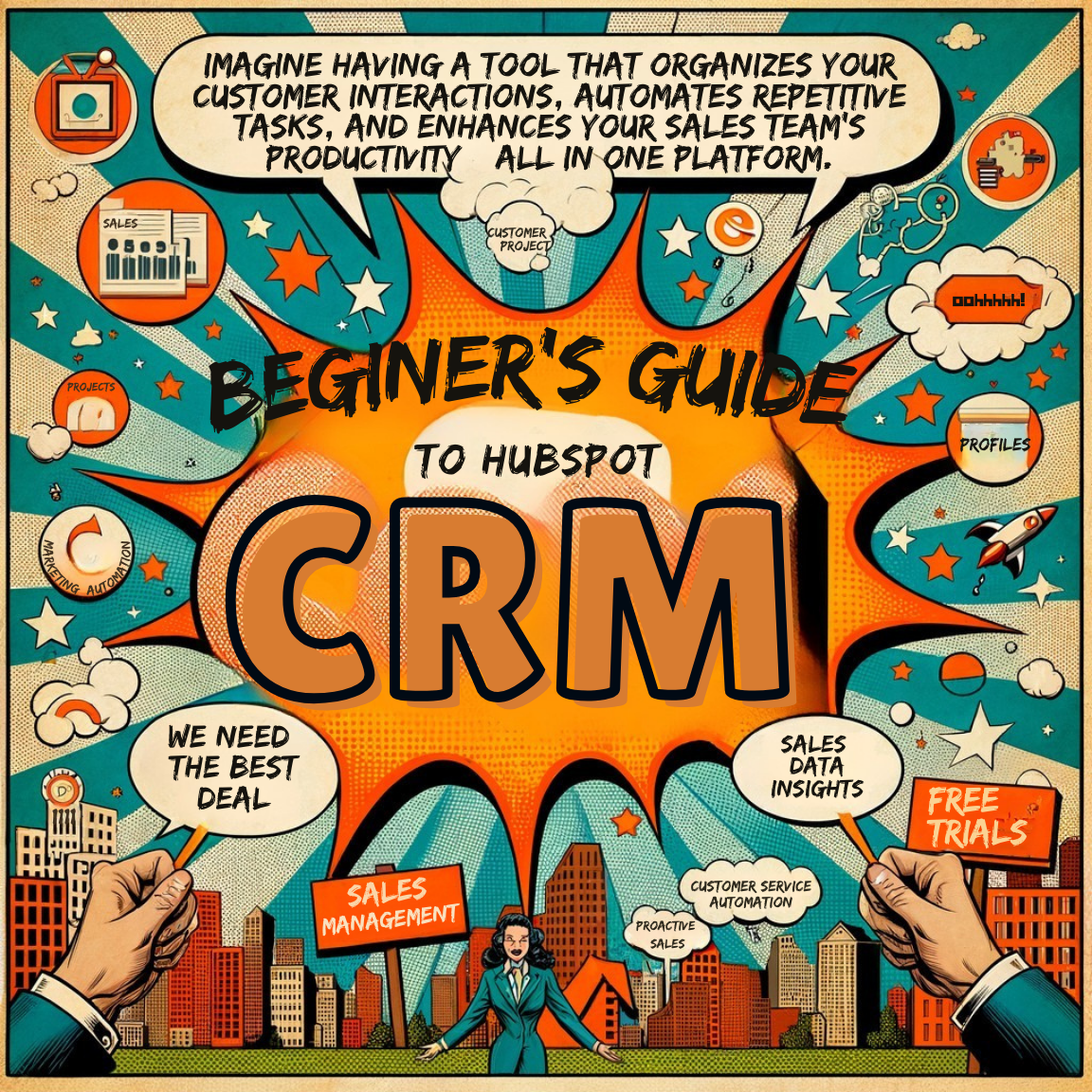

Imagine a tool that keeps your customer interactions organized, reduces repetitive tasks, and boosts your team’s efficiency, all from a single, user-friendly platform.
That’s the magic of HubSpot CRM, a powerful yet intuitive tool redefining how businesses manage customer relationships. Whether you’re a small startup or a growing enterprise, CRMs have become essential for staying competitive in today’s fast-paced market. With its robust free tools and seamless integrations, HubSpot CRM stands out as an accessible and efficient solution for companies of all sizes.
This guide will explore HubSpot CRM’s key features and benefits, walk you through the setup process, and compare it to competitors like Salesforce, Zoho CRM, and Freshworks.
HubSpot CRM: Simplifying Customer Management
HubSpot CRM is more than software; it’s a comprehensive platform designed to make customer management straightforward and effective.
Key features like contact management, email tracking, and sales pipeline visualization empower businesses to keep everything organized and transparent. Best of all, its free version offers many features that competitors reserve for paid tiers.
For instance, while Salesforce offers advanced analytics, it often requires a paid subscription, making HubSpot CRM’s free tools a significant advantage. And unlike Microsoft Dynamics 365, which can have a steep learning curve, HubSpot CRM is beginner-friendly and intuitive.
Top Features That Set HubSpot CRM Apart
Why do so many businesses swear by HubSpot CRM? Its standout features make it a top choice:
- Free Tools: HubSpot provides features typically behind paywalls on other platforms, from meeting scheduling to email templates and live chat.
- Integrations Galore: It integrates seamlessly with tools like Gmail, Zendesk, and even competing CRMs like Zoho CRM.
- Customizable Dashboards: Tailor your CRM to fit your unique workflows and business needs.
While Pipedrive excels in managing sales pipelines, HubSpot CRM’s all-in-one approach covers marketing, sales, and customer service, making it a versatile solution.
Why Businesses Choose HubSpot CRM
HubSpot CRM doesn’t just streamline processes; it transforms how teams work.
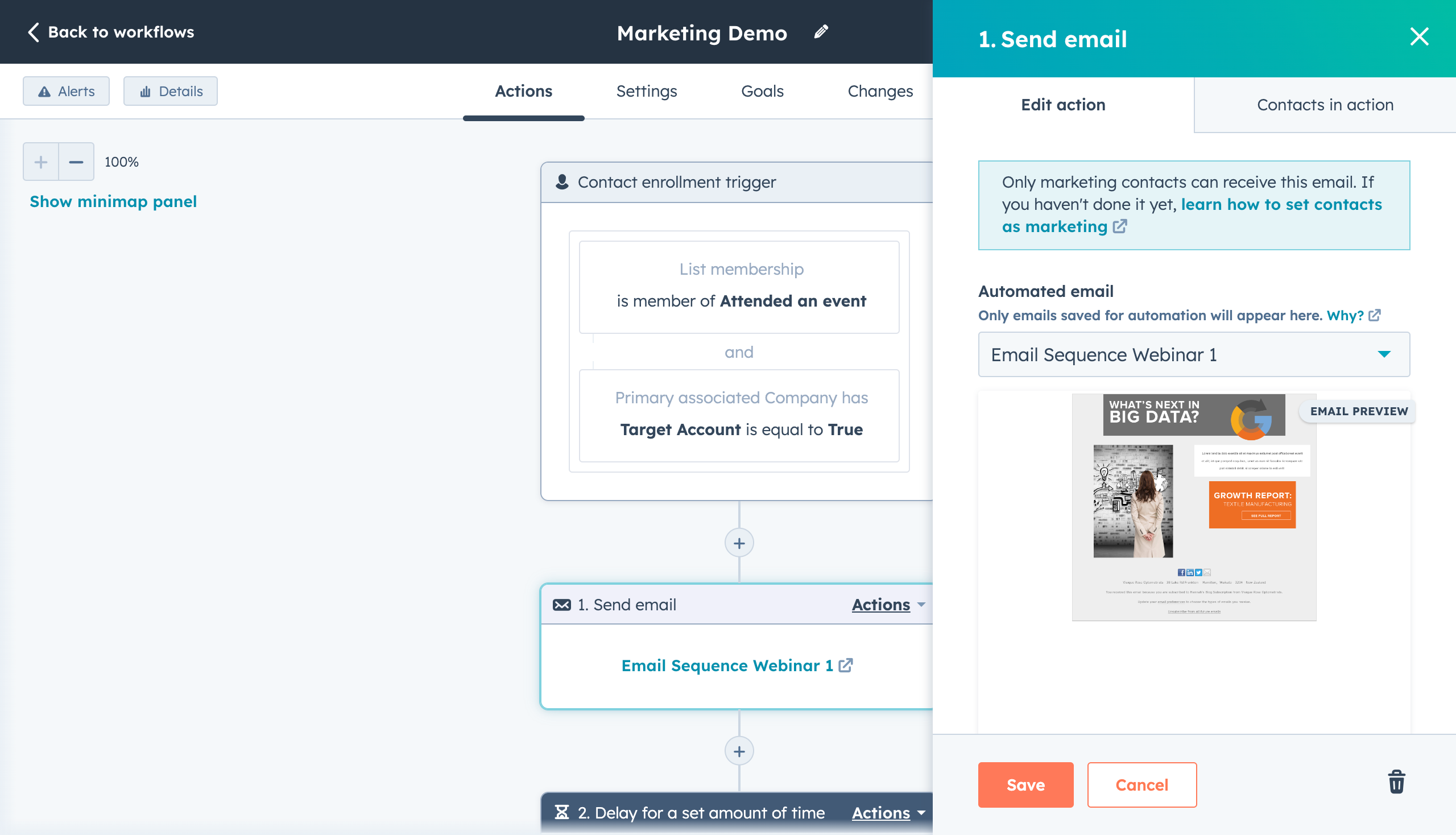
- Saves Time with Automation: Mundane tasks like data entry and follow-up reminders are automated, freeing up valuable time.
- Better Insights, Better Decisions: Detailed reports and analytics empower teams to make informed decisions effortlessly.
For comparison, HubSpot’s reporting tools are far more accessible than SuiteCRM, which tends to require technical expertise. This ease of use makes it ideal for teams without a dedicated IT staff.
How to Get Started with HubSpot CRM
Getting started with HubSpot CRM is refreshingly simple. Here’s a quick guide:
- Create Your Account: Visit HubSpot’s website to sign up and access your dashboard.
- Import Contacts: Upload your existing customer data using CSV files or integrations.
- Customize Your Experience: Adjust your pipelines and workflows to suit your business needs.
- Explore Free Features: Leverage tools like live chat, email templates, and meeting schedulers before considering premium features.
Compared to platforms like Freshworks or Keap (Infusionsoft), HubSpot CRM’s onboarding process is smoother, thanks to its guided tutorials and intuitive design.
HubSpot CRM vs. the Competition
Choosing the right CRM often involves comparing features, costs, and usability. Here’s how HubSpot CRM stacks up against popular alternatives:
- Salesforce: While Salesforce is known for advanced analytics and customizability, its higher costs make it less accessible for small businesses.
- Zoho CRM: This platform offers extensive customization options but can overwhelm new users with complexity.
- Freshworks: A good balance of cost and usability, but it doesn’t match HubSpot’s free offerings and scalability.
- Clientjoy: Ideal for freelancers but lacks robust automation features for scaling businesses.
HubSpot CRM’s combination of accessibility, free tools, and scalability makes it a preferred choice for businesses of all sizes.
Who Can Benefit from HubSpot CRM?
HubSpot CRM is versatile enough to cater to diverse industries and business sizes:
- Small Businesses: Use it to manage leads and customer interactions without a steep learning curve.
- Medium to Large Enterprises: Take advantage of integrations with advanced tools like Microsoft Dynamics 365.
- Freelancers and Solopreneurs: Utilize its free features to maintain client relationships without additional costs.
For instance, a mid-sized company that switched from SugarCRM to HubSpot CRM reported a 30% productivity boost, attributing the success to better automation and user-friendly analytics.
Why HubSpot CRM is Worth Considering
HubSpot CRM is a versatile platform combining powerful features with an intuitive interface. It is designed to help businesses organize customer data, improve communication, and boost team productivity.
While competitors like Salesforce and Zoho CRM have their strengths, HubSpot CRM’s free tools, seamless integrations, and scalability make it a standout option. Ready to transform how you manage customer relationships?
Get started with HubSpot CRM today and experience the difference it can make for your business.